Read an ID
Capture a card identifier in an existing application.
Confirm the output format, byte order and host input method. A UID reader is not necessarily a card writer.
RFIDAK / Reader selection
Choose the reader for the operation you need: capture an ID, write a tag or integrate a card application. Then confirm the protocol, host connection and exact model.
HF/NFC options are the focus here. LF and UHF requirements need a separate reader selection.
01 / Required operation
Capture a card identifier in an existing application.
Confirm the output format, byte order and host input method. A UID reader is not necessarily a card writer.
Encode NFC links, membership data or project records.
Confirm writable memory, command support and the read-back test for the actual tag.
Connect a reader to a kiosk, controller or network.
Confirm the interface, power, driver or API, host platform and hardware revision.
03 / Model references
Use these references to discuss your requirement. Request current supply and documentation for the exact model before placing an order.
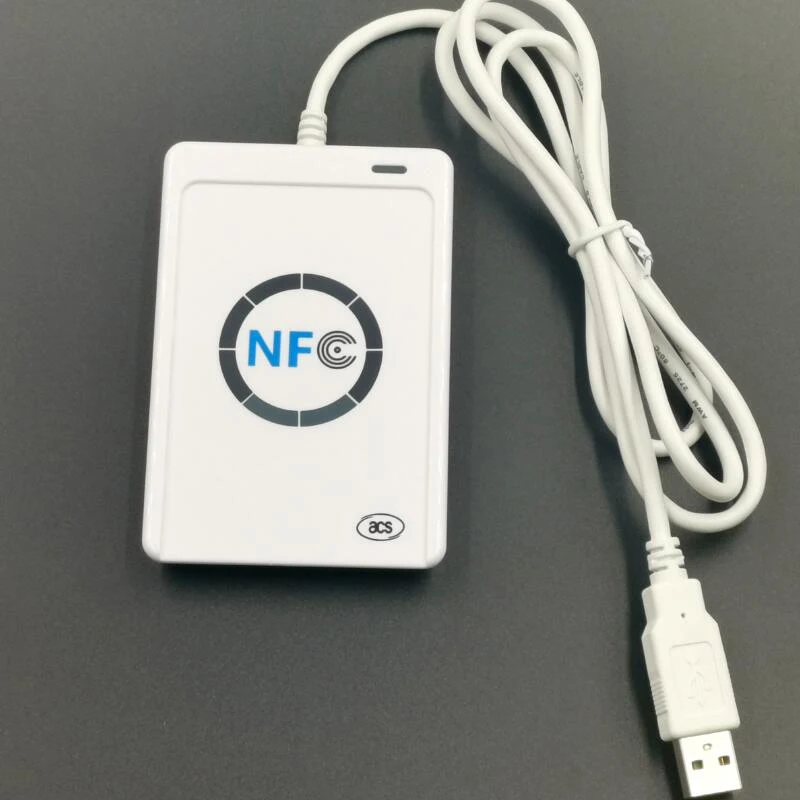
USB NFC reader with PC/SC and CCID support.
Use the manufacturer documentation to check the supported card types and software interface.
ACS model documentation →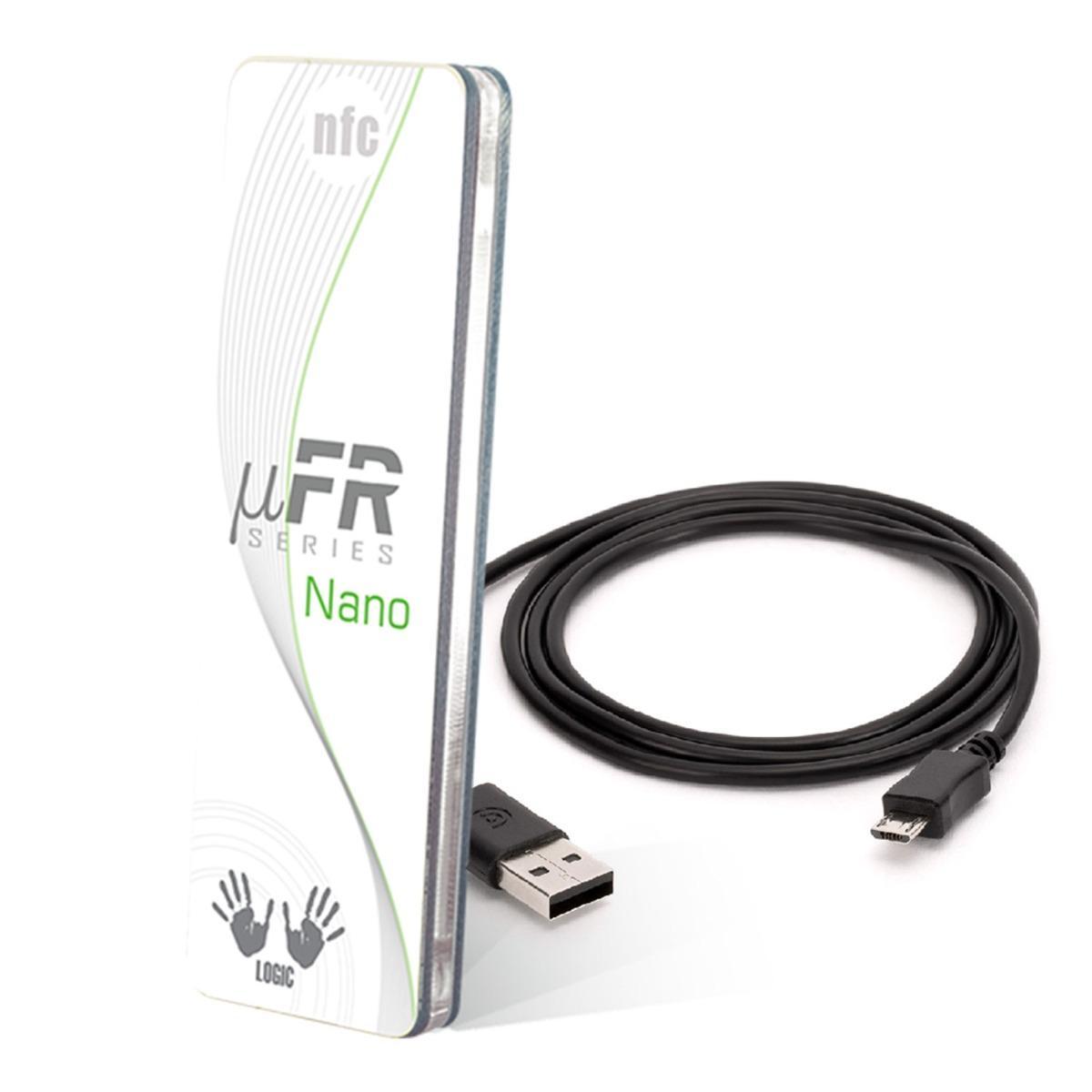
HF reader with vendor API and SDK integration.
Legacy family: for a new design, confirm the current replacement, availability and migration requirements.
Review catalog entry →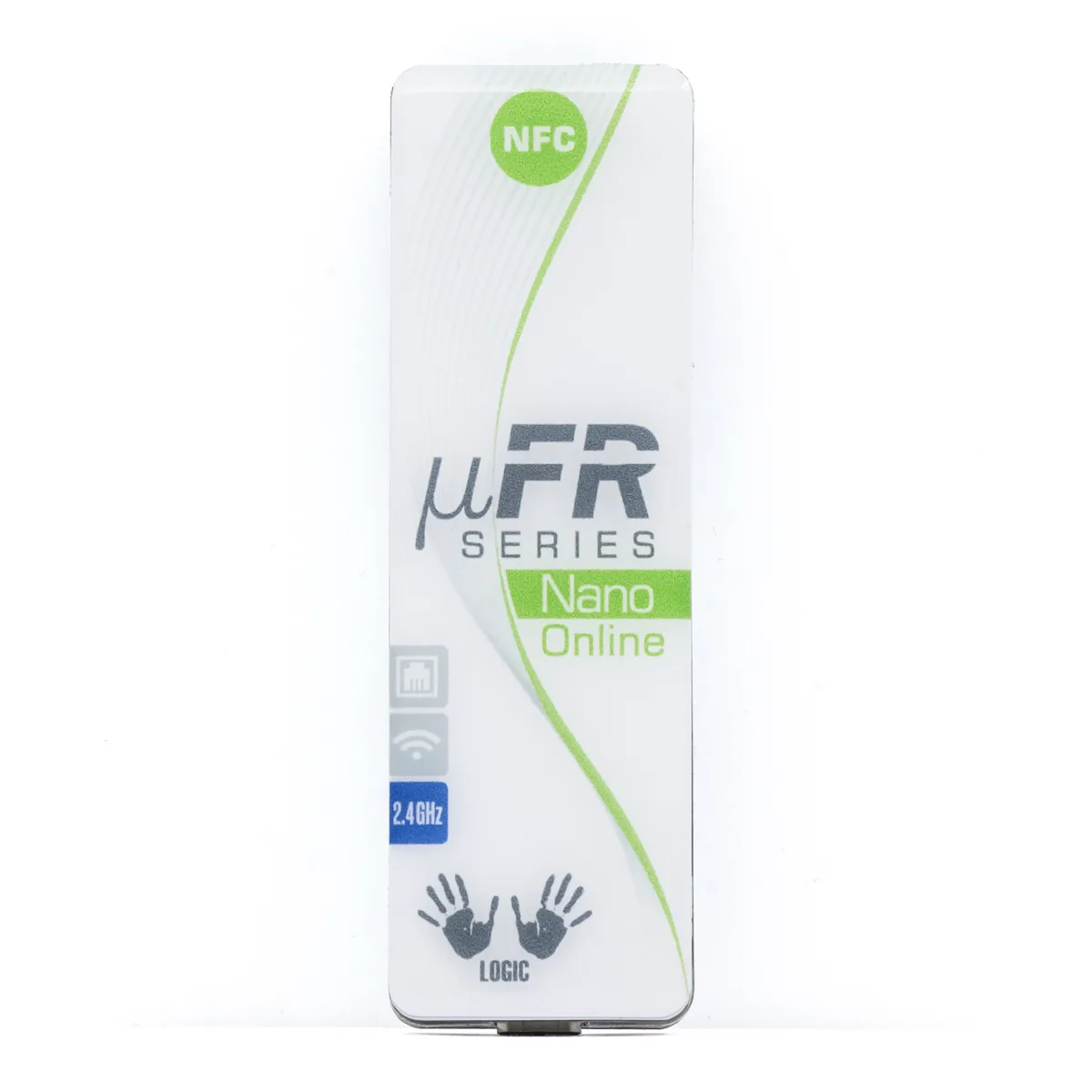
Network NFC integration; connectivity varies by hardware version.
Legacy family: confirm the exact network variant and current supply before selecting it for a rollout.
Review catalog entry →Manufacturer references: ACS ACR122U, Digital Logic µFR Nano and legacy notice, Nano Online connectivity. These manufacturers’ model specifications do not establish the specification of another reader.
04 / Project review
Start with these three choices. On the next page, add the card chip if known, software details, quantity and delivery country so we can review the configuration.
Evaluation cost, accessories, supply timing and warranty are confirmed in the quotation.
Skip the choices and contact us →Before a rollout
Buyer questions
Select the reader for the card frequency, protocol and required operation. USB describes the host connection, not the card technology. A matching frequency alone does not establish support for reading memory, writing records or authenticating an application.
An HF 13.56 MHz NFC reader is not a substitute for a UHF reader. Send the label chip and country of use when requesting UHF equipment so the reader and operating region can be reviewed separately.
A UID read only demonstrates that operation. Writing memory or using a protected card application can require different commands, authentication and software support. Define the required transaction and test it with a representative card before approving the hardware.
Check the application’s supported reader interfaces. For example, ACS documents ACR122U as PC/SC and CCID compatible, while Digital Logic documents its own API and communication protocol for µFR Nano. Request a working test on your host and software; the USB plug alone is not enough.
The exact model, hardware revision, accessories, evaluation quantity and rollout quantity define the quotation. Confirm available stock, sample cost, freight, warranty and any SDK or firmware service charges. This selection page does not provide a single price or delivery promise for different readers.
The installed system must support the reader, chip and credential format. Share the lock or platform name and the supported encoding interface. A general reader should not be assumed to replace a system-specific encoder; the approval test must cover the complete authorized issuance workflow.
Review the cards or labels that will be used in your actual test.
May we use Google Analytics cookies to measure visits and inquiry actions? Your choice does not affect the contact form. Cookie details